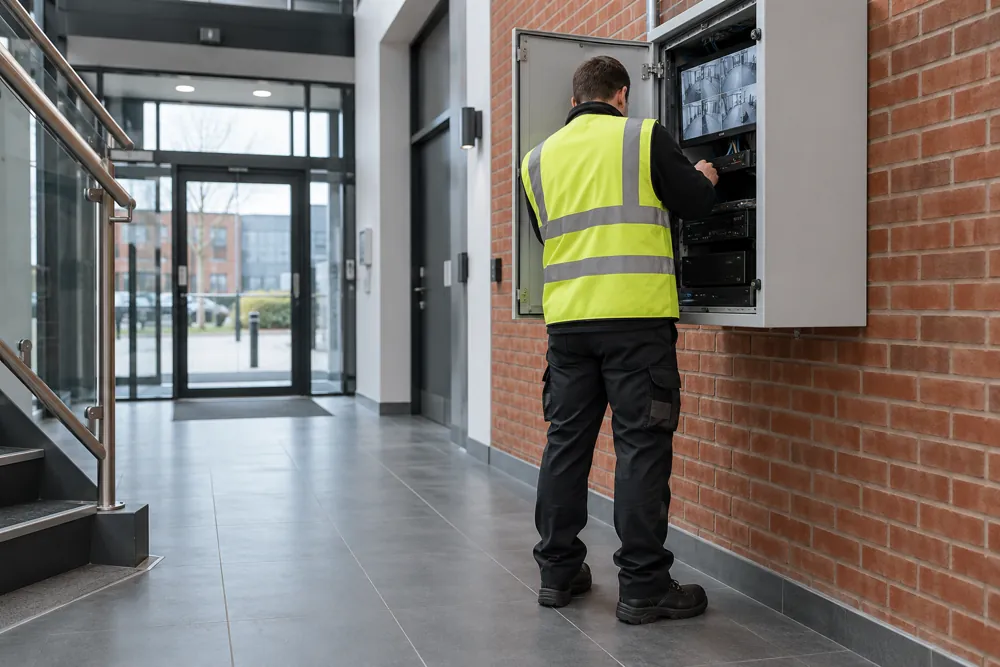
Maintenance Goes Beyond A Live Picture
A camera showing a live image does not prove that useful footage is being recorded. The recorder may have a storage fault, the clock may be wrong or the important part of the scene may be out of view. CCTV maintenance checks whether the system can still do the job for which it was installed.
For a business premises, that means reviewing cameras, mounts, power, cabling, network connections and recording equipment together. We look at changes in the environment as well as equipment faults. New shelving, parked trailers, brighter lighting or vegetation can reduce coverage even when every camera remains online.
A useful starting point is an issue list from the people who use the system. Note missing recordings, poor night images, intermittent connections and difficulty exporting clips. Describe when each problem happens so a service visit can investigate conditions rather than simply restart equipment and leave the cause unresolved.
What A Planned Service Should Cover
The first stage is to confirm the system inventory, access permissions and the intended purpose of each view. Compare the installed equipment with available drawings or previous reports. If records are missing, the visit may need to establish a baseline before a regular maintenance plan can be agreed.
Camera checks can include physical condition, mounting, cleanliness, focus, field of view and weather-related damage. Safe access matters: high-level equipment may need additional access arrangements, and occupied work areas should be coordinated with your facilities contact. Do not ask staff to climb to a camera without suitable training and equipment.
Recorder checks should include storage condition, recording schedules, playback, timestamps and an export test. Review authorised remote access, software support and the recovery process for lost administrator access. Back up configuration where appropriate before agreed changes, then record what was changed and whether the original fault has been resolved.
Standards, Data And Network Security
The BS EN 62676 series provides references for security video surveillance, including application guidance. A maintenance plan should relate its checks to the operational requirement and relevant current standards. Ask for a report that distinguishes a failed component from a view that no longer meets the intended purpose.
Data protection obligations continue throughout the system’s life. Your organisation should review access permissions and retention settings when staff, site use or the recording purpose change. Government business CCTV guidance explains the ICO fee position and wider responsibilities for footage handling.
Networked equipment needs a managed approach to accounts, updates and remote connections. Unsupported software, shared credentials and undocumented access can make administration harder. Involve your IT contact before updating firmware or changing remote access so the security system remains compatible with the business network and its controls.
Repair, Upgrade Or Replace?
A fault-finding visit should establish the likely cause and explain the proposed remedy. A failed supply or damaged connector may call for a local repair, while an unsupported recorder can justify a wider review. Replacement should follow evidence about condition and capability rather than the age of a single component alone.
Check what a repair includes and whether the replacement changes camera features, recording capacity or remote access. Retained cameras may impose limitations on a new recorder. Ask for compatibility to be checked before ordering and for any known limits to be included in the proposal.
Where footage is needed for an incident, tell the maintainer before equipment is reset, replaced or storage is altered. Preserving relevant recordings may need to take priority over routine changes. Access to those recordings should remain controlled by your authorised staff and handled under the organisation’s procedures.
Maintenance Costs And Visit Preparation
Cost depends on camera numbers, site access, fault complexity, recorder condition and the scope of the contract. Planned servicing, corrective visits, parts, software licences and out-of-hours attendance may be separate. Ask whether the report includes clear observations, recommended work and any items that could not be tested.
Before a visit, gather system details, previous service records and examples of the faults. Arrange access to relevant rooms and an authorised person who can approve tests or interruptions. Do not send passwords, alarm codes or sensitive footage through the general enquiry form.
If the existing coverage is no longer suitable, review commercial CCTV installation and upgrades. For an unattended building, alarm monitoring addresses a different need and should not be confused with recording maintenance. Tell us the system’s symptoms and your premises location when requesting an assessment.
Your Questions Answered
How Often Does Commercial CCTV Need Maintenance?
Commercial CCTV maintenance frequency should reflect the equipment, environment, operational need and any contract or insurer requirements. Outdoor cameras exposed to dirt or vibration may need different attention from internal equipment. Agree a written schedule, keep fault records between visits and review the plan when coverage or premises use changes.
Can You Assess A CCTV System Installed By Another Firm?
A CCTV system installed by another firm can be assessed if authorised access and suitable documentation are available. Compatibility, software support and existing contractual restrictions need checking before maintenance is accepted. The initial assessment should record what can be tested, any missing access and remedial work required before a service plan starts.